
How to get the full transcript of a YouTube video
If you are searching for how to get the transcript of a YouTube video, you are in the right place. Many people want transcripts for different reasons. Some want to create blog posts. Some want to take notes. Some want subtitles. And many want to repurpose YouTube content into articles, social media posts, or scripts. In this detailed guide, I will explain everything in very simple words.
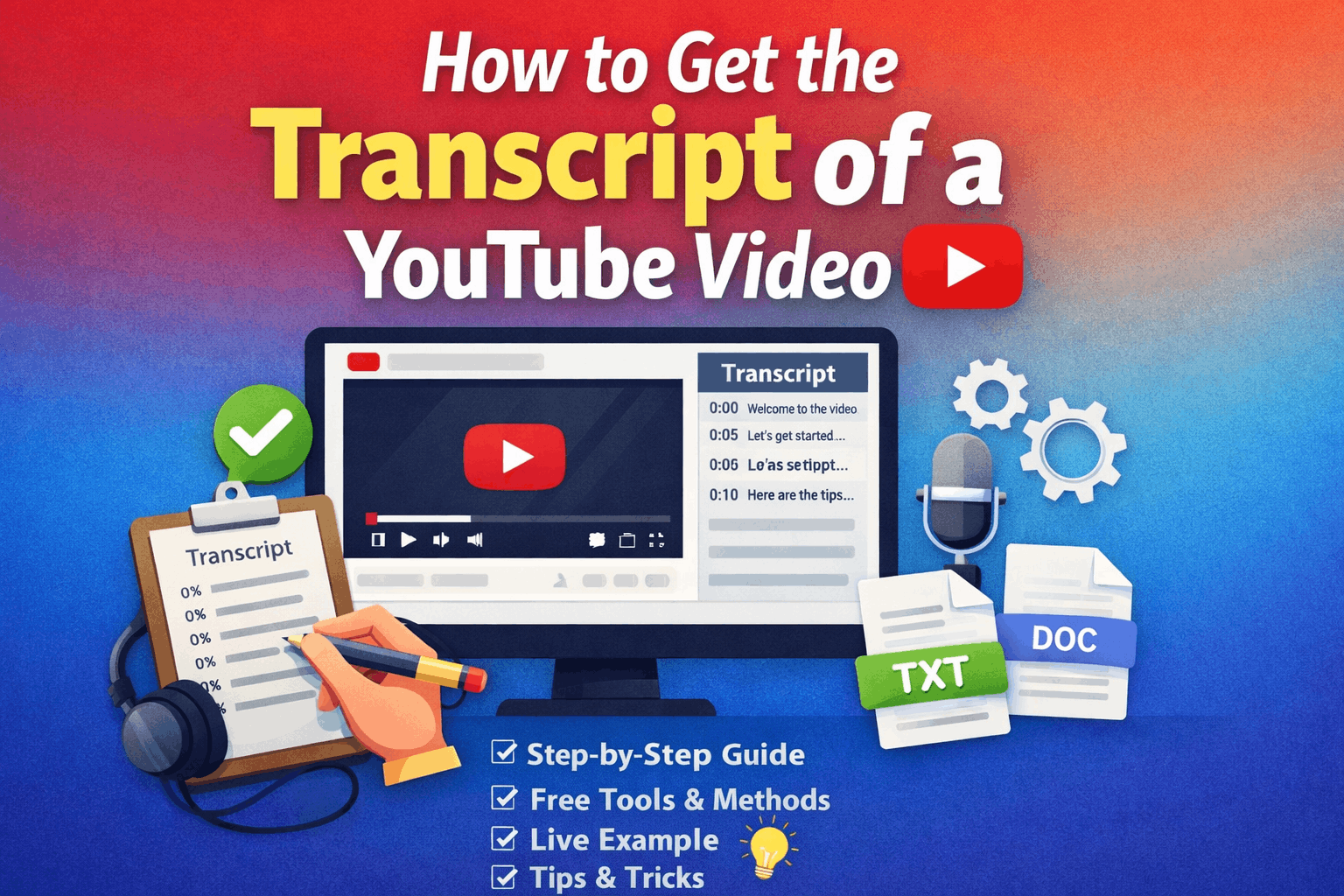
You will learn:
- How to get the transcript of a YouTube video directly from YouTube
- How to get the transcription of a YouTube video using free tools
- How to get the full transcript of a YouTube video step by step
- Live examples
- Best tools
- Common problems and solutions
Let’s start from the basics.
What Is a YouTube Transcript?
A transcript is the written text version of everything spoken in a video. For example, if someone talks in a video for 10 minutes, the transcript is the full written version of those 10 minutes.
It includes:
- Spoken words
- Sometimes timestamps
- Captions (if available)
YouTube automatically generates transcripts for most videos using speech recognition.
Why Do People Need a YouTube Transcript?
Before learning how to get the transcript of a YouTube video, let’s understand why it is useful. People need a YouTube transcript because it lets them turn video content into a blog post. For students, it’s easy to take notes; for SEO experts, they can find keywords from the transcript.
Read More: How to Make Passive Income on Audible Using AI (Step-by-Step 2026 Guide)
Also used for blog posts, Facebook posts, Pinterest content, and email newsletters. Now I will share four easy methods that help you get the transcript of a YouTube video from YouTube.
Method 1: How to Get the Transcript of a YouTube Video from YouTube (Official Method)
This is the easiest and safest method. You don’t need any tools. Just follow these rules step by step. Let’s take a live example. Suppose you want the transcript of a video from YouTube.
Step 1: Open the Video
Go to YouTube and open the video you want.
Step 2: Click on the Three Dots (Below the Video)
Under the video, you will see:
- Like button
- Share
- Download
- Three dots (⋯)
Click the three dots.
Read More: Why isn’t ChatGPT working
Step 3: Click Show Transcript.
You will see an option to. Show the transcript and click it.
Step 4: Transcript Will Appear
On the right side, you will see the full transcript with timestamps.
Step 5: Copy the Transcript
Now:
- Select all text
- Copy
- Paste into Notepad, Word, or Google Docs
That’s it. This is the simplest answer to how to get the transcript of a YouTube video. Now I will get you a live example. Let’s say you open a video titled “Make Money Online for Beginners.” After clicking “Show Transcript,” you might see something like:
0:00 Welcome to this video
0:05 Today we will talk about making money online
0:10 There are many ways to earn from home
You can copy everything.
How to Remove Timestamps
Sometimes timestamps are annoying. Here’s how to remove them:
Option 1: Toggle Timestamps (If Available)
Some videos allow you to turn off timestamps. Click the three dots inside the transcript panel. Disable timestamps.
Option 2: Use Find & Replace
In Word:
- Press Ctrl + H
- Replace numbers with nothing
- Clean the text
Method 2: How to Get the Full Transcript of a YouTube Video Using Google Docs
This method works even if the YouTube transcripts are disabled. You will use voice typing.
What You Need:
- Google Chrome
- Microphone
- Google Docs
Steps:
- Open Google Docs
- Click Tools
- Select “Voice typing.”
- Play the YouTube video
- Google Docs will automatically type the speech
This is very helpful when:
- The transcript option is not available
- The video language is different
This method answers how to get the full transcript of a YouTube video.
Method 3: How to Get the Transcription of a YouTube Video Using Free Online Tools
Sometimes, YouTube does not show transcripts. Then you can use free websites. Here are popular tools:
1. DownSub
2. Notta
3. Otter.ai
4. Tactiq
Method 4: Use YouTube Subtitle Downloaders
Some websites allow subtitle downloads in:
- .txt
- .srt
- .doc
Process:
- Copy the video link
- Paste in subtitle downloader
- Choose language
- Download transcript
How to Get a Transcript on Mobile (Android & iPhone)
Now, let’s answer: how to get the transcription of a YouTube video on mobile
On Android:
- Open the YouTube app
- Open video
- Tap description
- Scroll down
- Tap “Show Transcript” (if available)
On iPhone:
Same process. If not visible:
- Open YouTube in browser (Desktop mode)
How to Get the Transcript of a YouTube Video Without Captions
If captions are not available, you have 3 options:
Option 1: AI Tools
Upload the video file to the AI transcription service.
Option 2: Screen Record + Upload
Record video and upload to the transcription tool.
Option 3: Manual Listening
Play and type manually.
How Bloggers Use YouTube Transcripts
Since you are interested in blogging and online income, here is something important. Many smart bloggers:
- Take transcript
- Clean the text
- Add headings
- Add examples
- Add SEO keywords
- Publish as an article
This saves time. But remember: do not copy-paste without editing.
Always:
- Add your own opinion
- Improve structure
- Add value
Legal and Copyright Warning (Important)
Before using the transcript, remember: videos on YouTube are copyrighted. You can:
- Use the transcript for learning
- Take notes
- Research
But you should not:
- Copy full content
- Publish without modification
- Claim ownership
Always add:
- Source
- Credit
Source of YouTube Transcript Feature
The transcript feature is officially provided by YouTube. According to the YouTube Help Center, YouTube automatically generates captions using speech recognition technology. Creators can also upload their own subtitles. That is why most videos have transcripts available.
Best Way for Beginners
If you are a beginner, I recommend:
- Use YouTube’s built-in transcript
- Copy
- Paste in Google Docs
- Clean text
- Add headings
Simple and safe.
Finally, I will explain how to get the transcript of a YouTube video (step-by-step guide for beginners). I hope you have already learned these four easy methods. Getting a YouTube transcript is very easy in 2026. You do not need paid software. Most of the time, YouTube already provides the transcript.