
How to find the draft post on Facebook
Have you ever written a Facebook post, saved it for later, and then couldn’t find it again? Many users search for how to find draft posts on Facebook because drafts sometimes feel “hidden” or disappear. Do not worry. In this detailed guide, I will explain:
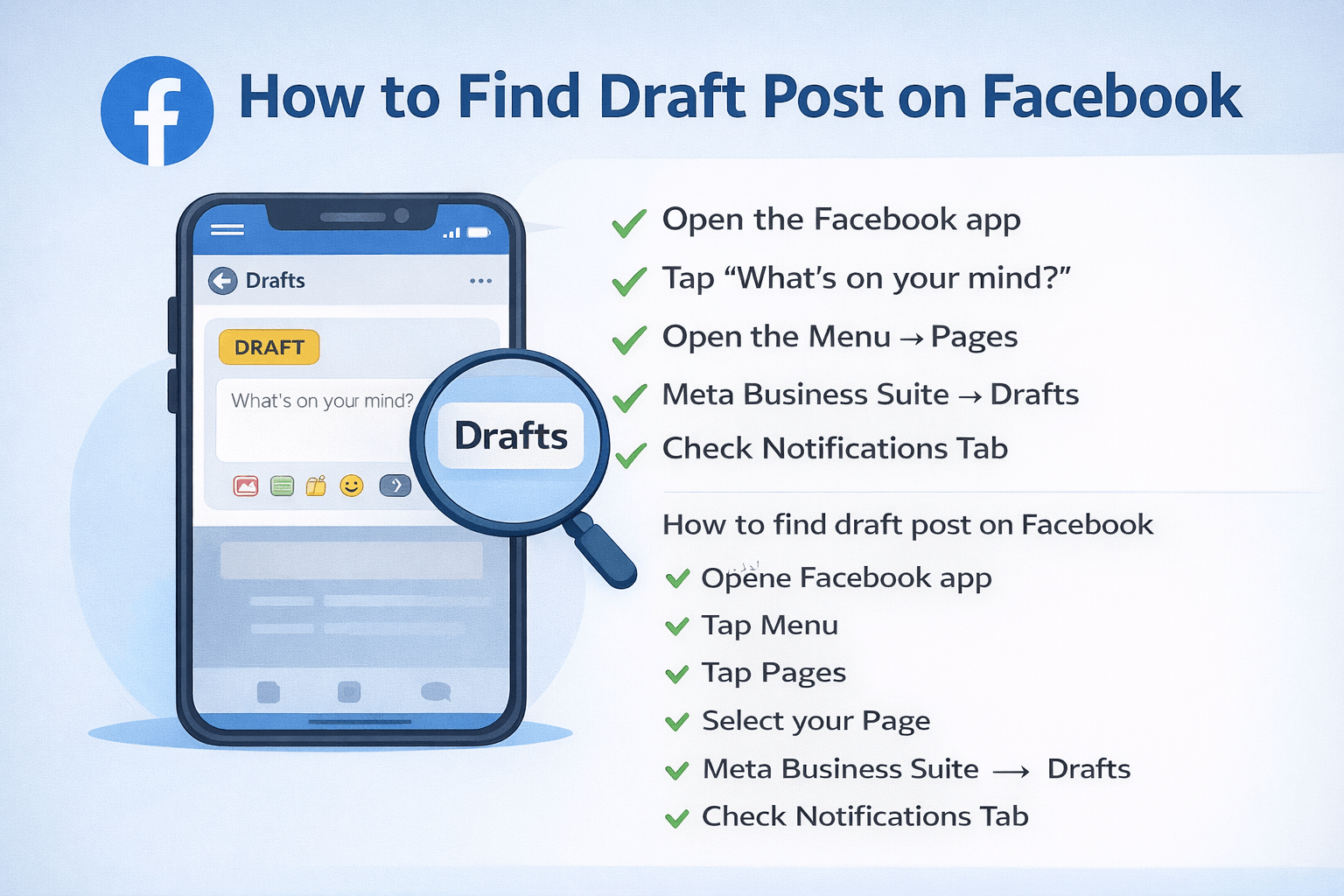
- What Facebook drafts are
- Where drafts are stored
- How to find draft posts on Android, iPhone, and Desktop
- How to find Facebook Page drafts
- Why drafts disappear
- How to recover lost drafts
- Tips to avoid losing drafts in the future
Everything is written in simple language so anyone can follow.
What Is a Draft Post on Facebook?
A draft post is a post that you start writing but do not publish. For example:
- You write a long status update but decide to post it later.
- You upload a photo but want to edit the caption.
- You create a business post but plan to schedule it.
Instead of publishing, you leave it. Facebook may save it as a draft. Facebook handles drafts differently for:
- Personal profiles
- Facebook Pages
- Android and iPhone
- Desktop
That is why many people get confused.
Where Are Facebook Drafts Saved?
Before we go into steps, it is important to understand this:
Personal Profile Drafts
- Saved mostly on your device
- Not always stored on Facebook servers
- May disappear if app data is cleared
Facebook Page Drafts
- Saved on Facebook servers
- Stored inside the Professional Dashboard
- Can be accessed from different devices
This is why page drafts are safer than personal drafts.
How to Find Draft Post on Facebook (Android)
If you are using an Android phone, follow these steps carefully. I will share 2 methods.
Method 1: Find Personal Profile Draft (Android)
- Open the Facebook app.
- Tap “What’s on your mind?”
- If you have saved drafts, you may see a notification like this. You have saved drafts.
- Tap the notification.
- Select the draft you want.
Android usually allows multiple drafts.
Method 2: Find Facebook Page Draft (Android)
If you manage a page:
- Open the Facebook app.
- Tap the Menu (☰).
- Tap Pages.
- Select your page.
- Tap Professional Dashboard.
- Tap Content.
- Click on Drafts.
Here you will see:
- Unpublished posts
- Scheduled posts
- Saved drafts
How to Find Draft Post on Facebook (iPhone/iOS)
iPhone works a little differently from Android.
Method 1: Personal Profile Draft (iPhone)
- Open the Facebook app.
- Tap the status box.
- If a draft exists, a pop-up may appear.
- Tap to continue editing.
Important Notes for iPhone:
- Usually saves only one draft
- The new draft may replace the old draft.
- The draft may be deleted after some time.
Read More: How to Delete Duplicate Photos in Google Photos—Easy 2026 Guide
Method 2: Facebook Page Draft (iPhone)
- Open Facebook.
- Tap Menu.
- Select Pages
- Choose your page.
- Open Professional Dashboard
- Tap Drafts.
This method works best for business users.
How to Find Draft Post on Facebook (Desktop/PC)
If you are using a computer, follow this guide.
For Facebook Page Drafts (Desktop)
- Open Facebook.com.
- Go to your page.
- Click Professional Dashboard.
- Click Content.
- Click the Drafts tab.
You will see all saved page drafts here.
Important:
Personal profile drafts are not always saved properly on the desktop. If you close the browser, the draft may disappear.
How to Find Drafts Using Meta Business Suite
If you manage a business, this is the safest method.
Steps:
- Open Meta Business Suite.
- Select your page.
- Click Content.
- Click Drafts.
From here you can:
- Edit drafts
- Schedule posts
- Publish instantly.
- Delete drafts.
Meta Business Suite saves posts more safely than the Facebook app.
Why Can’t I Find My Draft Post on Facebook?
Many users ask this question.
Here are common reasons:
1. You Cleared App Data
Clearing the cache or storage deletes local drafts.
2. You Logged Out
Some drafts are linked to active sessions.
3. You Updated the App
App updates sometimes remove temporary files.
4. You Switched Devices
Personal drafts are often saved on one device only.
5. Internet Problem
If the internet is weak while saving, the draft may not be stored.
6. Draft Expired
Facebook does not keep personal drafts forever.
How to Recover Lost Facebook Drafts
If your draft is missing, try these steps:
- Open the same device used before.
- Check the notification panel.
- Restart the Facebook app.
- Update the app.
- Log out and log in again.
- Check Meta Business Suite.
- Restart your phone.
If none of these work, the draft may be permanently deleted. Unfortunately, Facebook does not provide a full recovery system for personal drafts.
Tips to Avoid Losing Facebook Draft Posts
To protect your content, follow these simple tips:
1. Use Google Docs
Write long posts in Google Docs first.
2. Use Notes App
Save important captions in your phone notes.
3. Use Meta Business Suite
For Page posts, always use Meta Business Suite.
4. Do Not Clear App Data
Avoid clearing storage unless necessary.
5. Keep App Updated
Old versions may have bugs.
6. Use a stable Internet
Weak internet may fail to save drafts.
Frequently Asked Questions
How long does Facebook keep draft posts?
Facebook does not clearly say. Personal drafts may stay for a few days. Page drafts usually stay until you delete them.
Can I access drafts from another device?
- Personal profile drafts → Usually No
- Facebook Page drafts → Yes, using Meta Business Suite
Why did my Facebook draft disappear?
Common reasons:
- App update
- Cache cleared
- Logged out
- Device changed
- Draft replaced by a new one
Where are Facebook Page drafts stored?
They are stored inside:
- Professional Dashboard
- Meta Business Suite
My Final Opinion
Now you clearly understand how to find draft posts on Facebook:
- Android
- iPhone
- Desktop
- Facebook Page
- Meta Business Suite
Most draft problems happen because personal drafts are stored locally on your device. That means they are not permanent. If you create important content, always keep a backup. Facebook drafts are helpful, but they are not a safe storage system.