
How to Recover Gmail Password Without Phone Number or Recovery Email
Today, I will discuss the most important and valuable topic. How to recover Gmail password without a phone number. In today’s digital world, Gmail is not just an email platform; it’s your online identity.
We use Gmail for everything, from personal communication to work, social media logins, and even banking. So, if you suddenly can’t log in, it can be stressful. But don’t panic. In this guide, you’ll learn how to recover your Gmail password even if you don’t have access to your phone number or recovery email.
Why Losing Gmail Access Is a Big Problem
Your Gmail account stores a lot of important data, such as emails, contacts, Google Drive files, and other notes. So, losing access doesn’t just block your email; it can affect your entire online activity. I’ve personally faced this issue.
Read More: How to Remove Background from an Image on iPhone[ 3 Powerfull methods]
Understanding Gmail Recovery Options
Normally, Google provides several ways to recover your account:
- Phone number (SMS verification)
- Recovery email
- Device verification & security checks
However, these options only work if you previously added them. If you didn’t, recovery becomes a bit harder, but still possible.
How to Recover Gmail Password Without Phone Number or Recovery Email
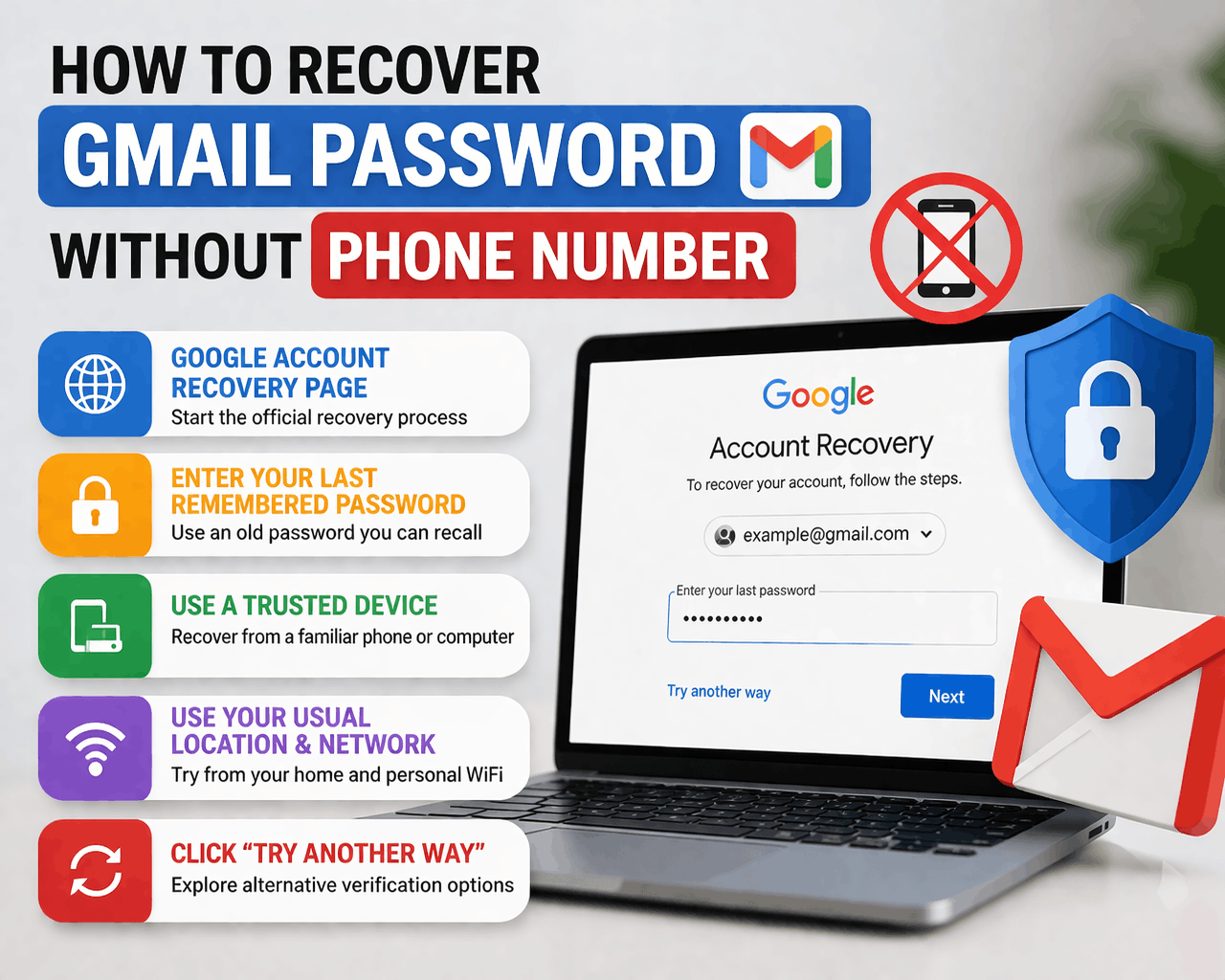
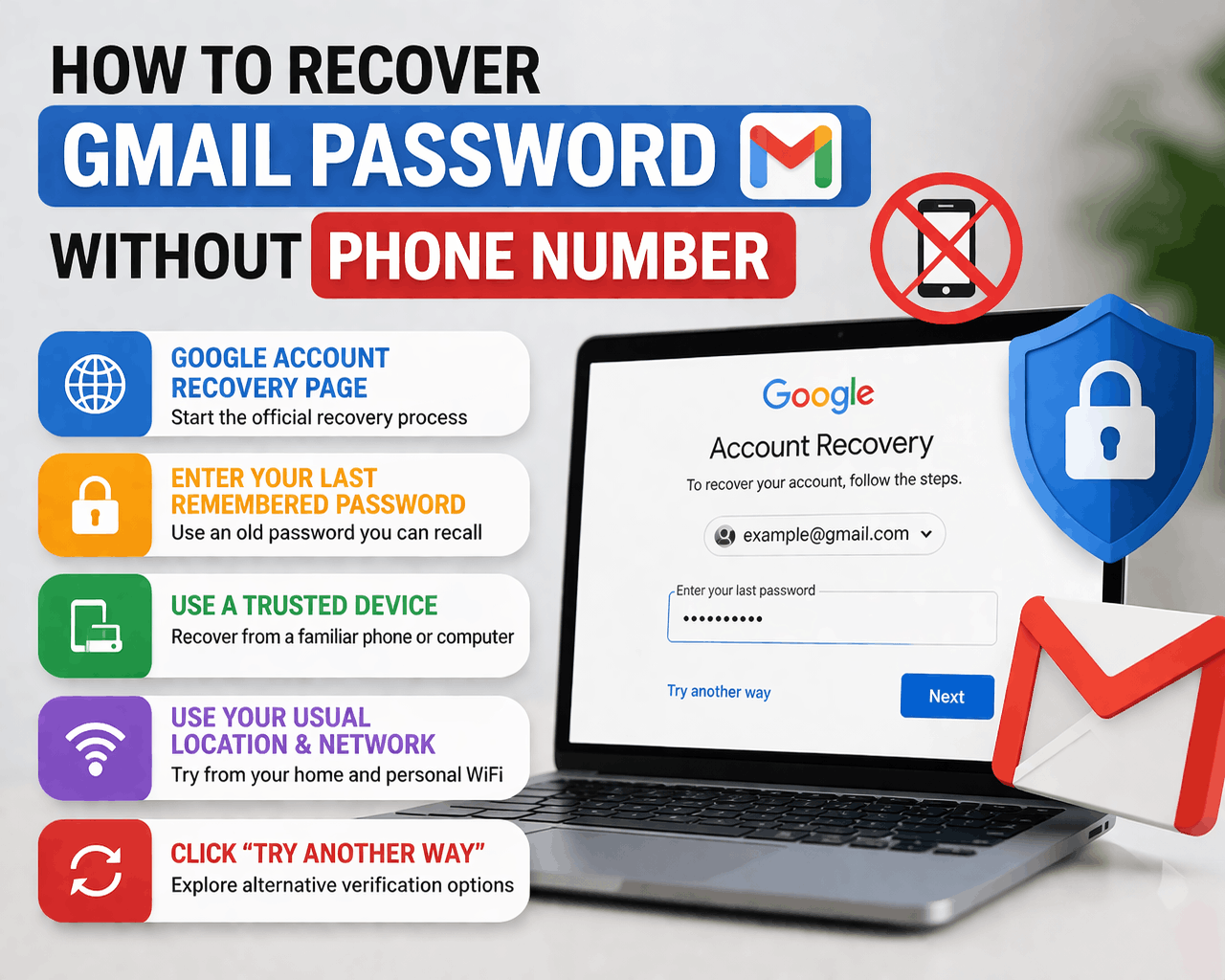
In this part, I will discuss 5 different ways to recover a Gmail password without a phone number or recovery email. Make sure you read this guide carefully, step by step.
1. Use the Google Account Recovery Page
Go to the Google Account Recovery page. Enter your Gmail address and click on the “forget password” option. Then Google will guide you through the recovery process. This is your first step to process recovering a Gmail password without a phone number.
2. Enter Your Last Remembered Password
Try to enter any old password you can remember, even if you are not completely sure it is correct. Think about the passwords you usually use, maybe a combination of your name, a number, or a common word you often include.
Read more: How Much Does YouTube Pay Per View, 1,000 & 1 Million Views in 2026 (Real USD Earnings)
Even if the password is slightly wrong, entering something close to your previous password can help Google recognize that you are the real owner of the account. This step is important because Google uses your past login information to verify your identity, so the more accurate your guess is, the higher your chances of successfully recovering your Gmail account.
3. Use a Trusted Device
Try recovering your account using your old phone and your personal computer. Google recognizes familiar devices and increases trust. Google can recognize familiar devices, browsers, and even login patterns, which helps build trust and confirms that you are the real owner of the account. For better results, use the same browser (like Chrome) and avoid switching devices during the recovery process.
4. Use Your Usual Location & Network
Always try to recover your account from your home and your personal wifi. This helps Google verify your identity.
5. Click Try Another Way Option
If one method fails, keep clicking. Try another way. Google may offer alternative verification options.
How to Prevent This Problem in the Future
To avoid losing access again, take these steps:
- Add a Recovery Email
- Add Your Phone Number
- Turn on 2-step verification
- Use a Password Manager
Can You Contact Google Support?
Many people think they can directly contact Google support to recover their account. In reality, Gmail support is mostly automated
I hope you already understand how to recover a Gmail password without a phone number or recovery email (step-by-step guide). Bookmark this guide.